


Cyrus is in Slack: ask anything, ship anything, right where you work
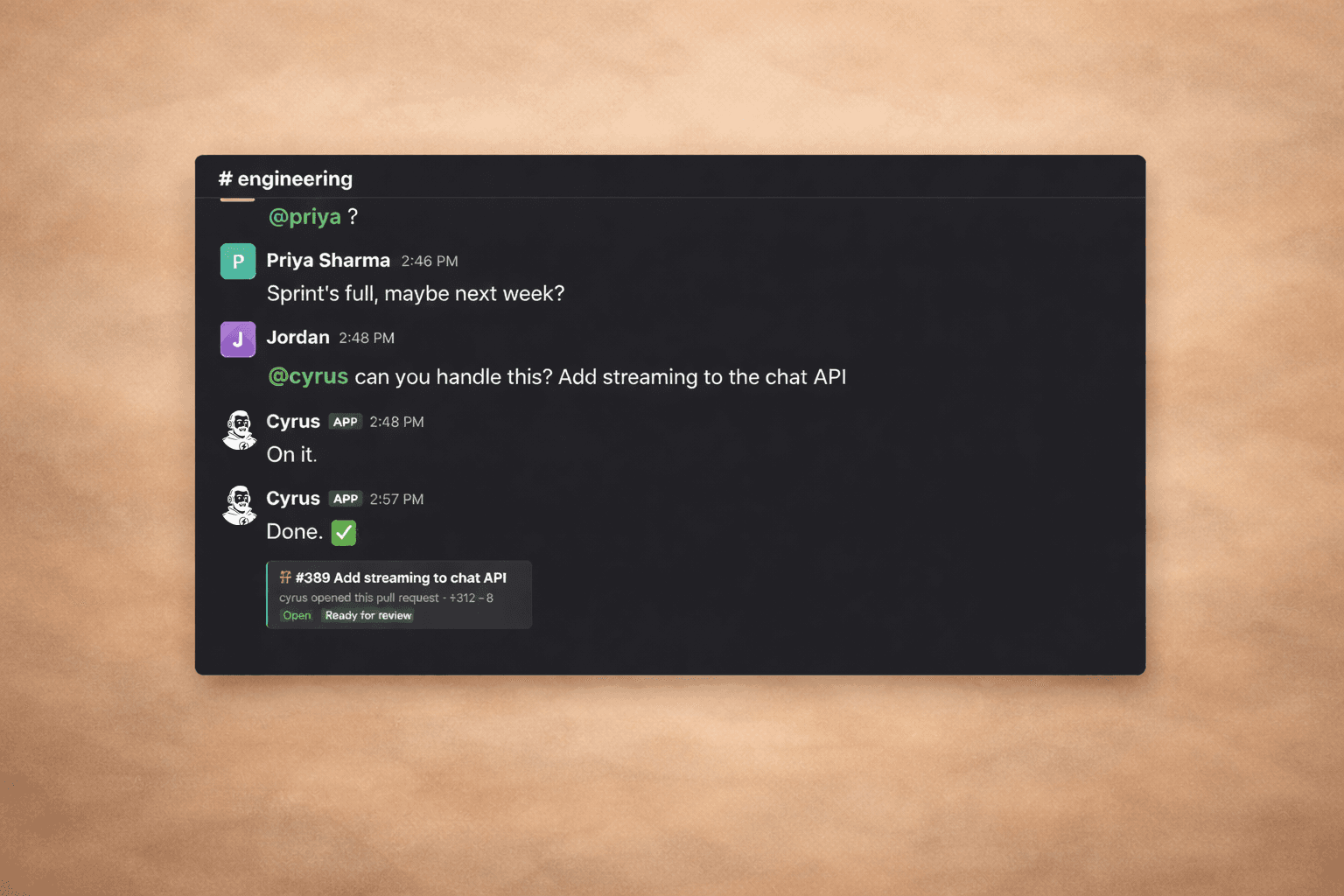
"omg it replied."
That was the first thing someone said when we added Cyrus to Slack. And honestly, that's the whole pitch.
You're in a Slack thread. Someone asks a question about the codebase. Or you need a status update on five tickets. Or you want a feature built. You type @cyrus. And it just... answers. Right there. In the thread. No tab switching. No opening another tool. No waiting for someone to get back to you.
It answers because it's connected to your Linear, your GitHub, your repos. It has context. It's not a chatbot guessing — it's your AI developer, already up to speed.
How it works
@mention triggers
Mention the Cyrus bot in any Slack channel or thread to start a session. Cyrus receives the mention, validates your team, and replies directly in the thread. That's it — no slash commands, no special syntax. Just tag @Cyrus and ask.
Thread context
When you mention Cyrus in a thread, the agent session includes the full thread history. Other participants' messages, bot notifications from Sentry or GitHub, prior Cyrus responses — all of it. Follow-up mentions in the same thread continue the same session, so Cyrus remembers the full conversation.
This makes Slack threads a natural place for multi-turn conversations. Ask a question, get an answer, then follow up without losing context.
What you can do
Ask anything about your project:
"Can you give me an update on all the tickets you're tracking with PRs waiting for review?"
Done. Instantly. In the thread.
Kick off entire workflows:
"Build me a settings page for the new API integration."
Linear ticket created. Code written. PR opened. Cyrus pings you back in Slack when it's ready.
Reference Slack context from any session:
When the Slack integration is connected, Cyrus gains access to Slack MCP tools during all agent sessions — not just Slack-triggered ones. It can read channels, search messages, and look up users from Linear-triggered sessions too.
Setup takes 60 seconds
- Open your integrations settings and click Connect Slack. The Slack integration docs walk through the full setup.
- Authorize the Cyrus bot in your Slack workspace
- Invite the bot to channels where you want it:
/invite @Cyrus - Start mentioning
@Cyrus— that's it
View full Slack integration docs →
Why this matters
We've had people tell us they switched from other agent setups because of this. Not because the AI is smarter. Because it actually lives where they work — Slack, Linear, GitHub. No new tools. No new workflows. It just plugs in.
The best tool is the one you're already using. And your team is already in Slack. Now Cyrus is too.
If you're not yet using Cyrus, get started today and see how Slack-native AI development transforms your team's workflow.

Break free from the terminal
As your Claude Code powered Linear agent, Cyrus is capable of accomplishing whatever large or small issues you throw at it. Get PMs, designers and the CEO shipping product.